
How to Download TikTok Videos Without Watermark (Free Guide 2025)
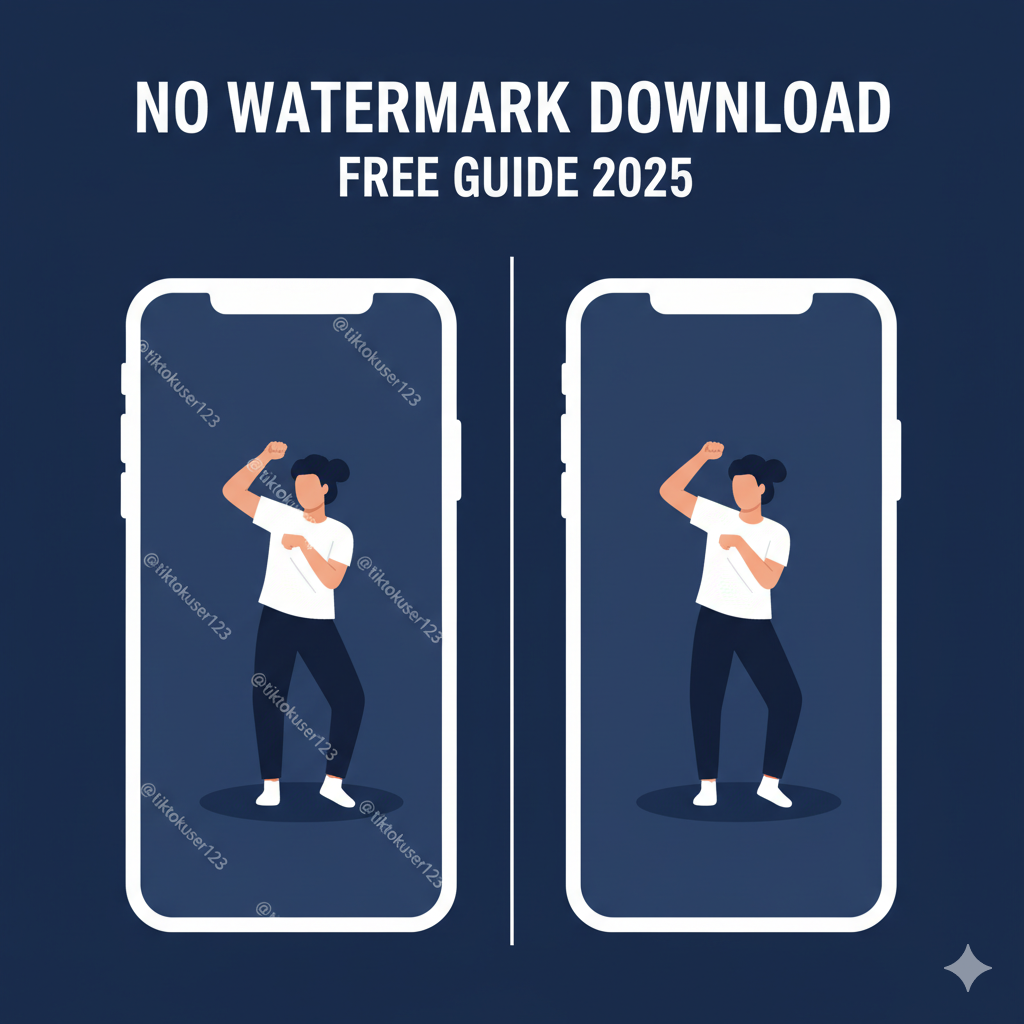
TikTok is one of the most popular social media platforms in the world, with millions of users sharing short videos daily. While the app allows users to save videos, the downloaded version always includes a watermark with the TikTok logo and the creator’s username.
Sometimes you want the video without that watermark — maybe for reposting to other platforms like Instagram Reels, YouTube Shorts, Facebook, or for personal use and editing.
In this complete guide, you’ll learn how to download TikTok videos without a watermark using online tools, and step-by-step instructions for PC, Android, and iPhone. Everything here is updated for 2025 and works globally.
Why Do TikTok Videos Have Watermarks?
TikTok adds a watermark to downloaded videos to:
- Protect creator identity
- Maintain brand visibility
- Reduce unauthorized reposting
The watermark appears in the video corners and jumps from side to side to prevent cropping.
However, there are many legitimate reasons to download TikTok videos without watermarks, such as:
- Editing a video for a project
- Using footage for educational purposes
- Reposting content with permission
- Watching offline without distractions
- Saving your own videos if the original file was lost
Benefits of Downloading TikTok Videos Without Watermark
| Benefit | Description |
|---|---|
| Clean & Professional Appearance | No distracting logos or moving text on screen |
| Best for Editing | Can easily use in video editors like CapCut, VN, Premiere, Final Cut |
| Reposting Allowed with Credit | Perfect for creators repurposing content |
| Better Quality Versions | Online tools often allow HD / Full-HD / 4K downloads |
| Perfect for brands & digital marketing | Clean visuals for campaigns |
How to Download TikTok Videos Without Watermark Online (Fastest Method)
The easiest and fastest way to remove the TikTok watermark is by using an online TikTok video downloader like FreeTikTokDownload.com — no software, no login, no installation required.
Step-by-Step Guide
- Step 1: Open TikTok and copy the link of the video you want to download
- Tap Share
- Select Copy Link
- Step 2: Open your browser and go to:
- Step 3: Paste the copied TikTok video link in the search box
- Step 4: Click Download
- Step 5: Choose Download without watermark and save the video
Done! You now have a clean HD / Full HD version with no logo.
How to Download TikTok Videos Without Watermark on iPhone (iOS)
There are two simple ways: using an online tool or using the Files app.
Method 1 - Using FreeTikTokDownload.com (recommended)
- Copy the TikTok video link
- Open Safari and go to FreeTikTokDownload.com
- Paste the link in the box
- Tap Download Video
- Tap Download without watermark
- Open Downloads → Save to Photos
Method 2 - Using Shortcuts (optional)
Only if you prefer automation:
- Install a TikTok downloading Shortcut
- Paste link and save
Online method is faster and works without permission issues.
How to Download TikTok Videos Without Watermark on Android
- Copy the TikTok video URL
- Open Chrome
- Visit FreeTikTokDownload.com
- Paste the link
- Download video without watermark
- Save to Gallery
Android users can also download MP4, MP3 audio, or 4K if needed.
How to Download TikTok Videos on PC or Laptop
Works on Windows, Linux & Mac.
Step-by-Step
- Open TikTok in a browser (or use the mobile link version)
- Copy the video link
- Visit FreeTikTokDownload.com
- Paste link → Download in desired format
Recommended for
- Editors using Premiere Pro / After Effects / DaVinci Resolve
- Marketers creating compilations
- Content creators managing multiple accounts
TikTok Download With Watermark vs Without Watermark
| Feature | With Watermark | Without Watermark |
|---|---|---|
| Clean & professional | ❌ | ✔ |
| Good for editing | ❌ | ✔ |
| Good for reposting & campaigns | ❌ | ✔ |
| High resolution | ❌ | ✔ (HD/4K) |
| Moving logo | ✔ | ❌ |
If you’re re-editing or repurposing content, watermark-free downloads are essential.
Best Tools to Download TikTok Videos Without Watermark in 2025
| Tool | Price | No Watermark | Formats | Notes |
|---|---|---|---|---|
| FreeTikTokDownload.com | Free | ✔ | MP4, MP3, HD, 4K | Fast, no app needed |
| SnapTik | Free | ✔ | MP4 | Too many ads |
| SaveTT | Free | ✔ | MP4, HD | Slow sometimes |
| MusicallyDown | Free | ✔ | MP3, MP4 | Basic UI |
Recommendation: Use FreeTikTokDownload.com for fastest and cleanest downloading experience.
Is It Legal to Download TikTok Videos Without Watermark?
Downloading TikTok videos without watermark is legal as long as you respect copyright and use ethically.
✔ Allowed
- Downloading your own videos
- Using videos with creator permission
- Personal/offline viewing
- Educational review / commentary (fair use)
❌ Not Allowed
- Reposting someone’s content as your own
- Using for commercial ads without permission
Always credit the original creator.
Troubleshooting & Common Errors
| Issue | Solution |
|---|---|
| Video failed to download | Refresh page & retry |
| Unsupported video | Check if the video is private or deleted |
| No sound | Re-download using MP4/MP3 separate |
| Tool slow | Try different browser / clear cache |
| Download blocked | Disable ad blockers temporarily |
Frequently Asked Questions
Can I download TikTok videos without watermark for free?
Yes, online tools like FreeTikTokDownload.com let you download videos without watermark for free.
Can I download TikTok videos in HD or 4K?
Yes, many tools offer HD, Full HD and 4K options depending on original video quality.
Can I download TikTok videos from a private account?
Only if you are following the account and have access to the original video.
Can I download TikTok videos on iPhone?
Yes — using any browser via online downloader.
Final Thoughts — What’s the Best Way to Download TikTok Videos Without Watermark?
The fastest, simplest, and safest method is using an online tool like: